
Adding Redis in front of Postgres is the easy part; deciding what happens when the underlying row changes is where most caching layers quietly start lying to users. This post covers the two patterns that cover most NestJS APIs, and the invalidation discipline that keeps them honest.
Cache-aside: the default for read-heavy endpoints
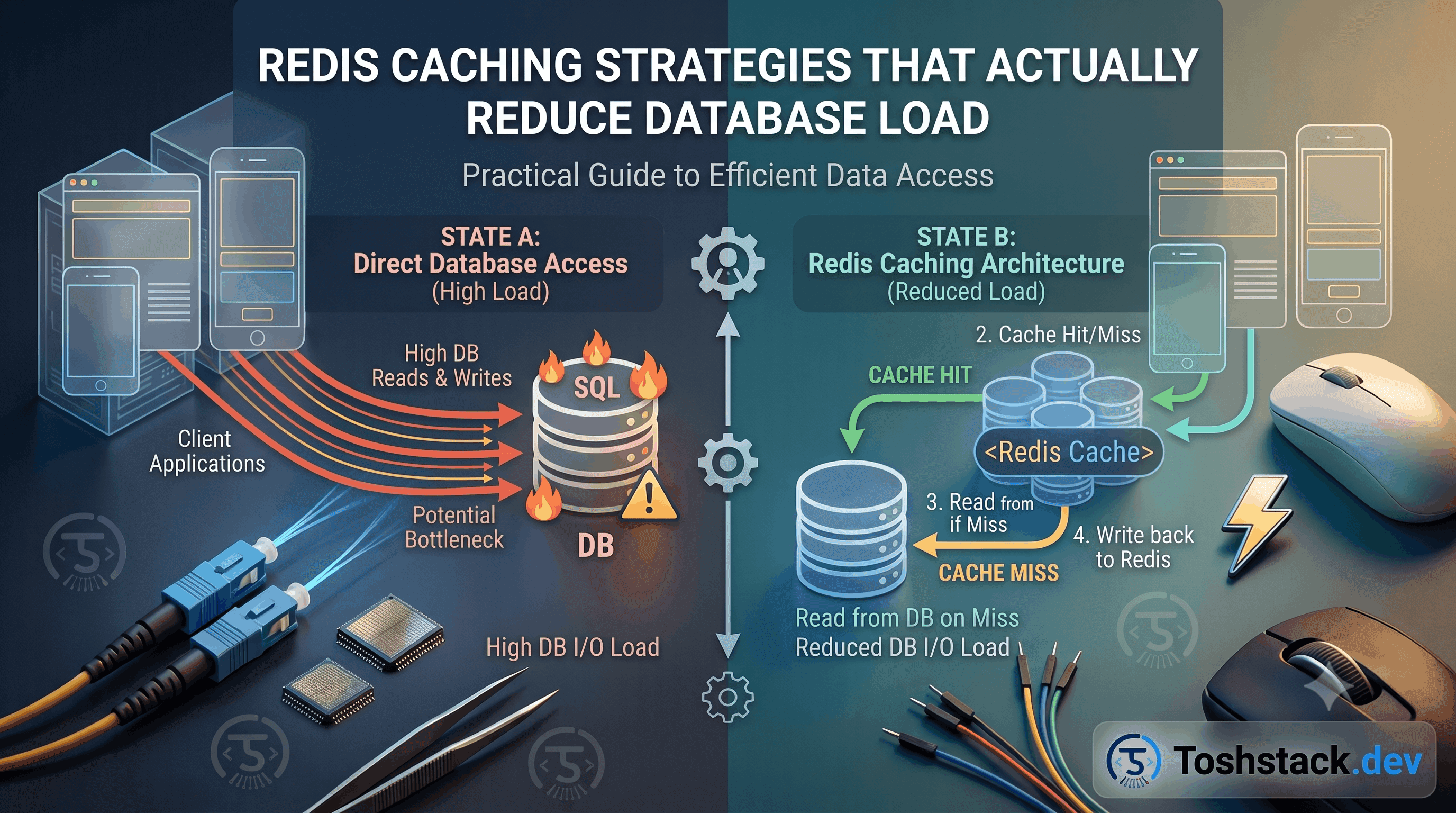
In cache-aside, the application checks Redis first, falls through to Postgres on a miss, and writes the result back to Redis before returning it. Nothing changes about how writes work — the cache is a read-time optimization layered on top, which makes it the lowest-risk pattern to add to an existing endpoint.
async findBySlug(slug: string): Promise<ProductEntity> {
  const cacheKey = `product:slug:${slug}`;
  const cached = await this.redis.get(cacheKey);
  if (cached) return JSON.parse(cached);

  const product = await this.productRepository.findOneOrFail({
    where: { slug },
    relations: { tiers: true, media: true },
  });

  await this.redis.set(cacheKey, JSON.stringify(product), 'EX', 300);
  return product;
}
TTL is not a substitute for invalidation
A 5-minute TTL bounds how wrong the cache can be, but it does not make a stale price acceptable for those 5 minutes — it just makes the bug intermittent, which is worse to debug than a bug that fails every time. Whenever a write path knows exactly what changed, invalidate that key explicitly in the same transaction or service method instead of waiting for the clock.
- Namespace keys by entity and identifier —
product:slug:x,product:id:y— so a single product update can invalidate every representation of it. - Prefer short TTLs (seconds to a few minutes) plus explicit invalidation over long TTLs and hoping nothing changes.
- Never cache a response that embeds a user-specific value (their cart, their entitlement) under a key that other users could hit — scope the key by user id.
- Set a maximum TTL even on data you always invalidate explicitly, so a missed invalidation self-heals instead of caching forever.
- Serialize consistently — a schema change to the cached shape without a key-prefix bump will silently deserialize old and new formats side by side.
Write-through for data that must never be stale
For counters and other values read constantly but tolerant of eventual consistency the other way, write-through updates Redis and Postgres together on every write, so reads never miss and never see a value older than the last write the application itself made. It costs a Redis round trip on every write, which is the trade you are making for reads that never need to check the database at all.
async incrementViewCount(productId: string): Promise<void> {
  await this.dataSource.transaction(async (manager) => {
    await manager.increment(ProductEntity, { id: productId }, 'viewCount', 1);
  });

  // Keep the read-through cache in lockstep instead of waiting for a miss.
  await this.redis.incr(`product:views:${productId}`);
}
Redis is not a database. Anything that only lives in Redis and would hurt to lose — a session, a cart — needs either a Postgres backing row or an explicit, accepted risk of data loss on a Redis restart.
Cache stampede: when the miss itself becomes the outage
A popular key expiring under heavy concurrent read load sends every one of those requests to Postgres at once — the cache made the problem worse than having no cache at all. A short random jitter added to the TTL spreads expirations out, and a lock (or NestJS's built-in request coalescing via a shared in-flight promise) ensures only one request repopulates a given key while the rest wait on it instead of all hitting the database.
Measuring whether the cache is actually working
A caching layer added without measurement is a guess dressed up as an optimization. Redis's own INFO stats command reports keyspace_hits and keyspace_misses, and the ratio between them — the hit rate — is the single number that tells you whether the TTLs and key design are actually doing their job or whether every request is quietly falling through to Postgres anyway.
async getCacheHitRate(): Promise<number> {
  const info = await this.redis.info('stats');
  const stats = Object.fromEntries(
    info
      .split('\r\n')
      .filter((line) => line.includes(':'))
      .map((line) => line.split(':')),
  );

  const hits = Number(stats.keyspace_hits ?? 0);
  const misses = Number(stats.keyspace_misses ?? 0);
  const total = hits + misses;

  return total === 0 ? 0 : hits / total;
}

// Expose it on a metrics endpoint an ops dashboard can scrape periodically.- A hit rate under roughly 50% on a supposedly hot endpoint usually means the TTL is too short, the key includes something that varies per request unnecessarily, or the endpoint is not actually hot.
- Track hit rate per key prefix, not just globally — a single cold, rarely-hit namespace can hide inside an otherwise healthy overall number.
- A sudden drop in hit rate after a deploy is a fast signal that a key format changed without a corresponding prefix bump.
Choosing a TTL that matches how the data actually changes
A TTL is a bet about staleness tolerance, and the right bet is different for every kind of data: a product catalog page that changes a few times a day tolerates a TTL of minutes; a homepage banner configuration edited once a quarter tolerates hours; a view counter that feeds a "trending" sort tolerates seconds at most, because staleness there is not just cosmetic — it is the ranking itself.
const TTL_BY_KIND: Record<string, number> = {
  'product:detail': 300,      // 5 min — changes occasionally, read constantly
  'site:config': 3600,        // 1 hour — changes rarely
  'product:trending': 30,     // 30 sec — staleness directly affects ranking
};

async getCached<T>(kind: keyof typeof TTL_BY_KIND, key: string, load: () => Promise<T>): Promise<T> {
  const cached = await this.redis.get(key);
  if (cached) return JSON.parse(cached);

  const value = await load();
  await this.redis.set(key, JSON.stringify(value), 'EX', TTL_BY_KIND[kind]);
  return value;
}
Centralizing the TTL table like this, instead of a magic number scattered at every call site, turns "how stale can trending data be" into a one-line, reviewable policy decision instead of an implicit choice buried in whichever service happened to add the cache first.
Cache warming for the moments that cannot afford a miss
A cold cache after a deploy or a Redis restart means the first wave of requests all miss simultaneously and hit Postgres at once — usually fine, but not for an endpoint that is both extremely hot and expensive to compute. Warming the cache proactively, by re-running the most popular queries right after a deploy completes rather than waiting for real traffic to trigger them, converts that first wave from a load spike into a planned, controlled one.
Warming only pays for itself on a short list of genuinely hot, genuinely expensive keys — the homepage, a handful of top-selling products — not the long tail of rarely-visited pages, where the cost of warming a key nobody requests exceeds the cost of a single cache miss when someone eventually does.
A cache that is never allowed to fail gracefully becomes a second point of failure for the whole API — if Redis becomes unreachable and every cache read throws instead of falling back to the database, a Redis outage takes down an API that would otherwise have kept working, just slower. Wrapping cache reads so a Redis error logs a warning and falls through to Postgres, rather than propagating as a 500, is what keeps caching an optimization instead of a new dependency the whole system cannot survive without.
Conclusion
Redis caching pays off when the key design maps cleanly to what actually changes, when invalidation is explicit wherever the write path knows what changed, and when a TTL is treated as a safety net rather than the whole strategy. Get those right and Redis removes real load from Postgres without becoming a second source of truth to keep in sync by hand.