
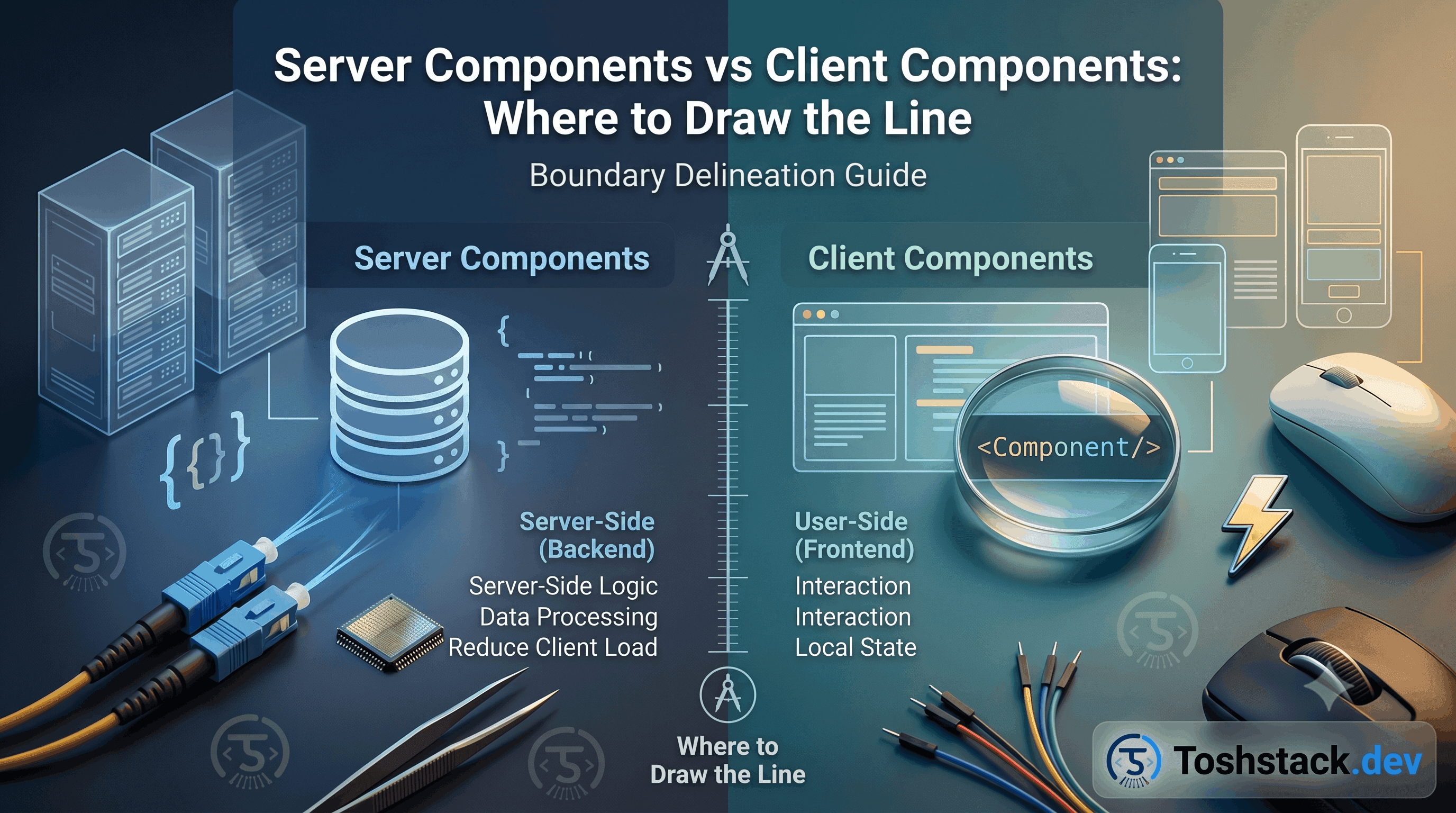
Every component in the App Router is a server component by default. "use client" at the top of a file does not turn one component client-side — it marks the boundary where a whole subtree starts running in the browser instead of on the server. Getting that boundary in the right place is the single biggest lever on both bundle size and how much of the page can be cached.
Default to the server, opt into the client deliberately
A server component never ships its own code to the browser, can read environment secrets and query a database directly, and re-renders for free on every navigation without shipping a byte of JavaScript for its own logic. A client component is required only when you need useState, useEffect, event handlers, or a browser-only API. The question is never "which is better" — it is "does this specific piece of UI need interactivity or browser state."
// app/products/[slug]/page.tsx — server component, no directive needed
export default async function ProductPage({ params }) {
  const { slug } = await params;
  const product = await getProduct(slug); // runs on the server only

  return (
    <div>
      <ProductGallery images={product.media} />
      {/* AddToCartButton needs onClick + local state, so it's a client leaf */}
      <AddToCartButton productId={product.id} defaultTierId={product.defaultTierId} />
    </div>
  );
}
Push "use client" as far down the tree as it will go
A common anti-pattern is marking a whole page "use client" because one button needs an onClick. That drags every child — including ones that could have stayed server components — into the client bundle and loses server-only data fetching for the entire subtree. Extract the interactive piece into its own small component, mark only that one "use client", and keep everything around it on the server.
- Props passed from server to client components must be serializable — no functions, no class instances, no
Dateobjects without conversion. - A server component can render a client component and pass it server-fetched data as props; a client component cannot import and render a server component directly.
- The escape hatch is the children pattern: a client component can accept server-rendered JSX as
children, so a client-side layout shell can still wrap server-rendered content. - Context providers (theme, auth state) must be client components —
createContextdoes not work on the server — so wrap them narrowly near the root, not around content that does not need them. - Third-party libraries that use hooks or browser APIs need a client wrapper even if your own code around them is server-rendered.
The children pattern, concretely
A client-side modal or animated layout often wants to control when its content renders, but the content itself might be server-rendered and expensive to fetch. Passing it as children lets the parent stay a server component while the client shell only manages open/closed state.
// ClientModal is "use client" — manages open state only
export function ClientModal({ children }: { children: React.ReactNode }) {
  'use client';
  const [open, setOpen] = useState(false);
  return open ? <div className="modal">{children}</div> : null;
}

// page.tsx stays a server component
export default async function Page() {
  const details = await getExpensiveServerData();
  return (
    <ClientModal>
      <ExpensiveServerRenderedDetails data={details} />
    </ClientModal>
  );
}
If you find yourself fighting the "cannot import a server component into a client component" error, it is almost always a sign the boundary should move — not a sign you need a workaround.
Crossing the boundary without losing type safety
Props flowing from a server component to a client component still go through TypeScript's normal type checking — the constraint is not about types, it is about serialization. A prop typed as a class instance or a function will compile cleanly and fail at runtime, because React has to serialize it across the server/client boundary and neither survives that trip.
// Compiles, but breaks at runtime: a Date instance loses its prototype
// when it crosses the server/client boundary.
<ClientComponent publishedAt={post.publishedAt} />

// Safer: convert to a plain, serializable value at the boundary.
<ClientComponent publishedAt={post.publishedAt.toISOString()} />
A types.ts file shared between a server component and the client component it renders keeps both sides honest about the serializable shape actually being passed, instead of relying on the client component's prop types to silently widen to accept whatever the server happens to send.
- Functions cannot cross the boundary as props at all — a client component needing a callback into server logic should use a Server Action, not a passed-down function.
React.ReactNode(as in thechildrenpattern) is the one exception that crosses cleanly, because it is already serialized React elements, not arbitrary data.- Enum values, dates, and Decimal-like objects are common silent failure points — convert them to strings or numbers before the prop crosses the boundary.
Testing the two kinds of component differently
A server component is, at its core, an async function that returns JSX — testing it means calling that function directly (or through a minimal harness) and asserting on the returned tree, without a browser-like DOM environment at all, since it never runs in one. A client component still benefits from React Testing Library's render-and-interact model, because it genuinely does mount into a DOM and respond to events.
// Server component: call it, await it, inspect the tree — no DOM needed.
test('renders the product name', async () => {
  const jsx = await ProductPage({ params: Promise.resolve({ slug: 'demo' }) });
  const html = renderToStaticMarkup(jsx);
  expect(html).toContain('Demo Product');
});

// Client component: mount it and interact, same as any React component.
test('adds to cart on click', async () => {
  render(<AddToCartButton productId="prod_1" />);
  await userEvent.click(screen.getByRole('button', { name: /add to cart/i }));
  expect(screen.getByText(/added/i)).toBeInTheDocument();
});
Most of a typical page's logic lives in the server component doing the data fetching, which means most of the tests worth writing do not need a DOM at all — a meaningful speed and simplicity win once a test suite settles into this split rather than reaching for a full browser-like render for everything by default.
A rule of thumb for where to draw the first boundary
Starting a new page, the fastest way to decide the boundary is to sketch the page as a tree and mark only the leaves that genuinely need onClick, useState, or a browser API — everything else defaults to a server component until proven otherwise. This produces a tree with client components at the edges and server components carrying the bulk of the structure, which is the shape the App Router was actually designed around.
A codebase that instead marks whole page-level components "use client" "to be safe" tends to accumulate that habit everywhere, because once one ancestor is a client component, every descendant effectively becomes one too — the discipline has to start at the top of the tree, not be retrofitted after the fact.
It is worth periodically auditing a growing codebase for "use client" directives that were added early and never revisited — a component that needed interactivity during an earlier design and no longer does is easy to leave marked client-side simply because nobody thought to check. A short script grepping for the directive alongside a quick read of what each flagged component actually does catches this drift before the client bundle grows for reasons nobody remembers.
Conclusion
Treat "use client" as a cost you pay for interactivity, applied to the smallest leaf that actually needs it. Server components should carry the data fetching and the bulk of the markup; client components should carry state and event handlers, wrapped as tightly as the UI allows. That single discipline keeps bundles small without any extra tooling.